
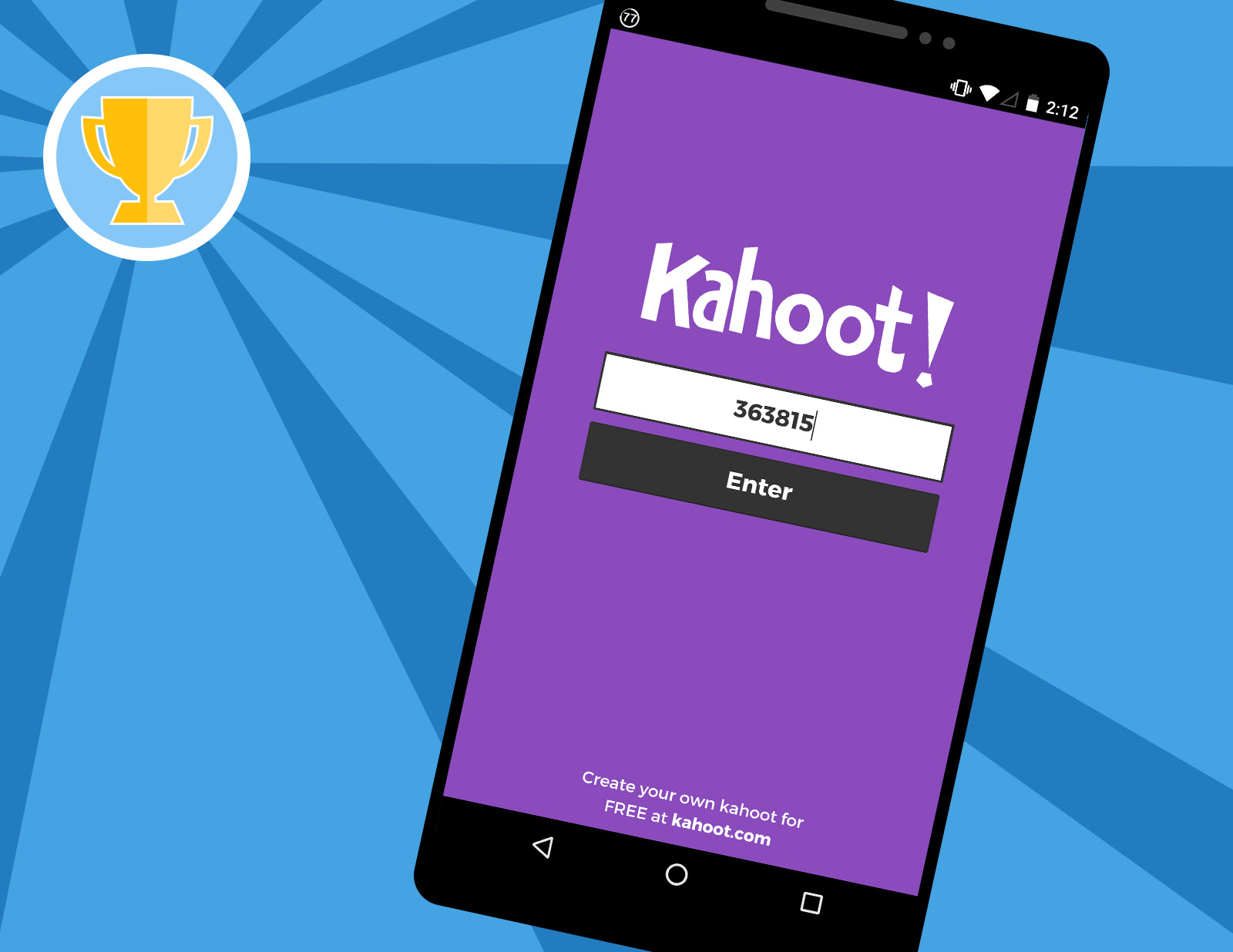
Kahoot! makes classrooms, offices, and living rooms turn into game shows. This colorful learning platform has become extremely popular because it turns ordinary quizzes into fast-paced games. Teachers use it to make lessons more exciting, companies use it during training sessions, and friends sometimes play it for fun trivia challenges. Questioning becomes an exciting activity that people can control through competition.
Kahoot! offers a learning platform that allows users to design and experience educational quiz games which they call “kahoots.” Users will respond to questions through their personal devices while the questions display on a common screen. The experience creates a vibrant dynamic because players can assess their performance through the leaderboards which display game results. Users can easily host quizzes because they need only three steps to complete this process which allows them to create their own interactive learning experience.
What is Kahoot?
Kahoot! allows users to experience interactive educational content through its platform which offers quizzes and competitive game challenges. Participants use a quiz format which allows them to answer questions through competitive testing instead of traditional assessments. Players use their personal devices which include phones tablets and computers to submit answers that display questions on a common screen.
The platform allows users to create quizzes which they call “kahoots.” The creator has the ability to select the number of questions which will be included in the quiz. The platform enables users to create entertaining quizzes which assess knowledge through enjoyable testing methods.
Kahoot displays its unique features through its interactive gameplay system. Players receive points when they answer questions with both accuracy and speed. The leaderboard system displays player performance rankings immediately after they complete each question. The game uses a competitive system which keeps players in active play mode throughout the entire match.
Schools use Kahoot! as a tool to create more interactive learning experiences for their students. The system serves as a training tool for teams in workplace settings while also supporting interactive presentations.
How Kahoot Works
Kahoot! functions through a basic method which involves developing quizzes and conducting their execution and distributing them to others. The process starts when a user designs a kahoot quiz. The creator selects the total number of questions which will be included in the quiz and determines the content for each question. The game allows players to create questions which include visual components such as images and videos and diagrams to enhance their experience.
The group can begin playing the quiz after its completion. One person establishes the game while using a large screen to display questions from the game. This equipment can function as a classroom projector or presentation screen or monitor.
Players enter the game through their own devices. They choose their answers on their individual devices while the question shows on the group display instead of using the shared screen to respond.
The platform determines scores after each round while updating the leaderboard to display which players currently lead the match.
If you’re interested in how digital platforms are competing in other industries too, the ongoing comparison in PS5 vs Xbox Series Sales Comparison – April 2026 highlights a similar trend of user engagement and platform preference.
How to Join a Kahoot Game
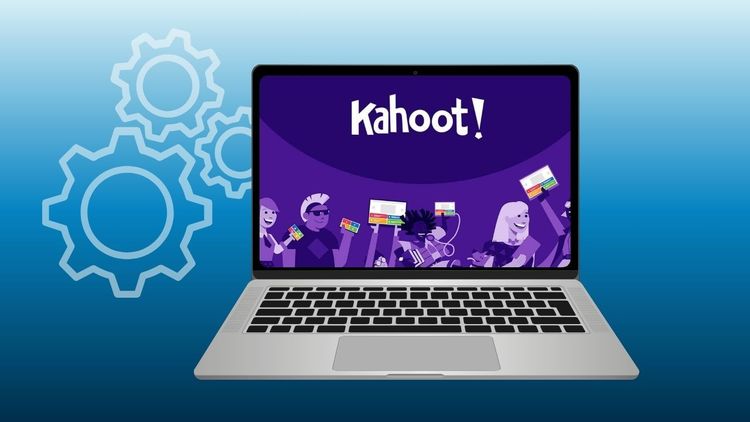
The process of entering a Kahoot game requires minimal effort because it enables fast participation from all players. A live Kahoot session creates an exclusive game PIN which serves as the entry code for that specific quiz session. The host shares the PIN with all players before the game begins. The game lobby requires participants to enter their PIN while selecting their preferred nickname for display purposes.
The host begins the quiz when questions become visible on the shared screen and answer options appear on each player’s device. Players must select an answer before the timer reaches its end. Players receive points after they answer questions correctly and submit their answers within the specified time frame. The system enables multiple players to access the same game simultaneously which makes it suitable for educational settings and professional development sessions and team collaboration activities.
Creating Your Own Kahoot
The main reason Kahoot! achieved such widespread success stems from how simple it is to develop a quiz. Users can build a kahoot in just a few minutes by adding questions and answer choices. The creator decides the format and the number of questions included in the quiz. The platform enables users to add visual content which includes images and diagrams and videos. These additions help make questions clearer and more engaging for players.
The flexible and fast process of quiz creation enables various applications of Kahoot in different contexts. Teachers create quizzes which help students review their lessons while trainers use quizzes to assess participants’ knowledge during their workshops. Some people even create kahoots simply for fun trivia games.
Kahoot Login and Account Access
The platform requires users to create accounts when they need to design and control kahoots. Account creation enables users to store their quizzes and conduct game sessions at any time.
Users can access the system through their registered accounts which work on both computers and the Kahoot mobile application. The system lets users create new quizzes while they can also edit existing quizzes and run live games.
Players who want to participate in a quiz can access the game without creating an account. Participants need to enter the game PIN which the host provides to access the game.
Users who want to join a quiz immediately without creating an account can access the platform through its straightforward login method which serves as a first-time user entry point.
If you enjoy interactive learning tools like Kahoot, you might also like exploring updated game perks such as the latest Idle Breakout codes for April 2026, which can enhance your gameplay experience.
Sharing and Reusing Kahoots
Kahoot! enables users to share their quizzes which other users can access and reuse. After a kahoot creation process, users can perform the game multiple times with separate groups.
Teachers usually ask students to develop their own kahoot quizzes after they experience one. Students need to think through the topic before they create questions which helps them grasp the material better.
Users in schools and businesses that have premium plans can work together with their coworkers to design quizzes. The process helps users locate appropriate educational games for their instructional or training requirements while saving them time.
Kahoot sharing enables fast knowledge dissemination while maintaining student engagement during educational activities.
Conclusion
Kahoot! has changed how quizzes and educational activities are conducted in classrooms and workplaces and home environments. The platform uses a game-based format to maintain participant interest and drive their learning progress. Kahoot enables students to experience learning through enjoyable challenges which students perceive as educational assessments because the platform uses basic technology and provides immediate results of their performance.
The platform operates through a straightforward system which enables users. Users create quizzes which they call kahoots and then they conduct live games on a shared screen while using a specific game PIN to let users join their games. Players use their personal devices to respond to questions while their score and ranking information updates instantly. The interactive design of the platform keeps users focused while it motivates them to take part in activities.
Schools and workplaces still use Kahoot because it provides users with an entertaining and adaptable learning experience which people can use at any time and in any location. Kahoot provides users with three options which allow them to create their own interactive content and conduct quizzes and participate in games.