
After greyboxing, add temporary recognizable props to test scale, sightlines, navigation, density, and visual hierarchy before investing in final environment art.
A greyboxed level can tell a developer whether the player can move through a space.
It cannot always tell them whether the space feels like a real place.
A corridor made from plain cubes may have the correct dimensions but still reveal very little about how dense the finished environment will feel. A room may seem spacious until machinery, furniture, storage crates, pipes, and other props begin filling the floor. A combat arena that looks readable in greybox form may become visually confusing once the final assets arrive.
This creates an awkward stage for small game teams.
Building polished environment art too early wastes time if the level changes. Leaving everything as grey boxes for too long makes it difficult to judge the final experience.
The useful middle ground is a visual prototype: enough 3D content to test the environment realistically without treating every asset as final.
What Should You Test After Greyboxing a Game Level?
Greyboxing remains one of the most useful techniques in level design.
Simple shapes let developers test movement speed, jump distances, cover placement, door widths, camera behavior, combat space, and navigation without being distracted by visual detail.
That is exactly what greyboxing should do.
The limitation appears when the questions become more visual.
Does this maintenance room feel crowded enough?
Can the player immediately recognize the important doorway?
Does the marketplace need more vertical objects to break up the view?
Will a large generator block the sightline between the entrance and the objective?
Plain cubes can represent these objects, but the more important shape and silhouette become, the less useful a generic block is.
At that point, the level needs a little more information without necessarily needing final art.
AI-generated Prototype Assets Should Answer Specific Questions
The goal of a prototype asset is not to impress anyone.
It is to help the team make a decision.
Imagine a developer building a deserted research station.
The first greybox contains the rooms, corridors, doors, stairs, and gameplay spaces. The next question is whether the environment can support the intended industrial atmosphere without becoming too difficult to navigate.
Instead of producing finished equipment, the team could introduce rough generators, storage units, maintenance carts, control terminals, ventilation machinery, and abandoned tools.
Those models do not need perfect textures or production topology yet.
They need recognizable silhouettes and roughly appropriate dimensions.
Once placed into the level, they can answer much more useful questions:
Does the room still feel large enough?
Are navigation paths obvious?
Does the environment contain enough visual landmarks?
Can the player see the next objective from the intended position?
That is a much better reason to create an asset than simply wanting the greybox to look prettier.
Generate Props Around the Level, Not the Other Way Around
Asset creation can accidentally begin controlling level design.
A team spends a day making an elaborate machine, so the machine stays in the level even when the room would work better without it.
A purchased asset pack contains a large control console, so the designer changes the environment to accommodate the console rather than because gameplay requires it.
Prototype assets should have the opposite relationship.
The level should define what the asset needs to do.
If a corridor needs an object that narrows the path without completely blocking visibility, create something with that function in mind.
If a room needs a tall landmark visible through two doorways, the prototype should emphasize height and silhouette.
This is one place where rapid AI-generated prototype assets can be useful.
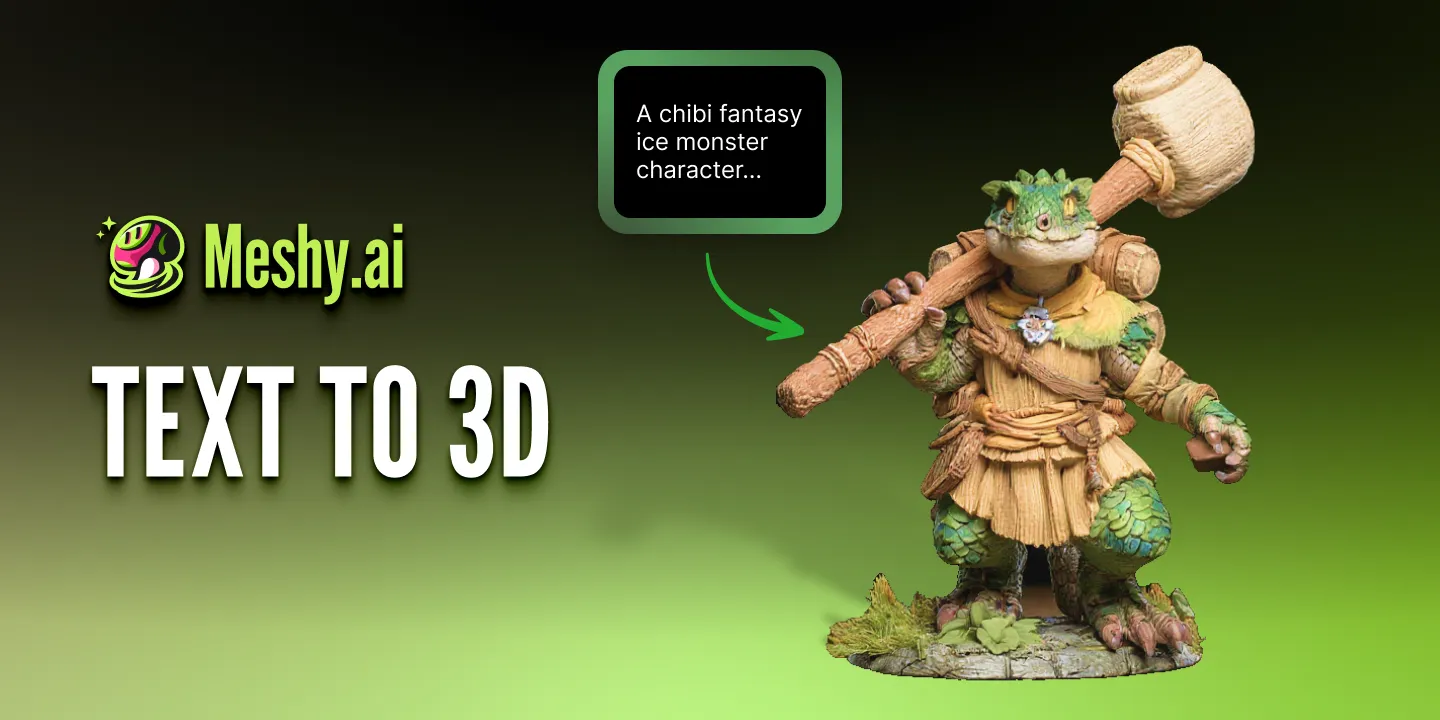
Platforms such as Meshy AI can turn written descriptions or visual references into 3D models, allowing developers to create rough assets around specific level-design needs rather than depending entirely on whatever happens to exist in an asset library.
The advantage is not that every generated prop becomes final.
It is that the prototype can become more representative of the intended level.
Which Level-Design Props Are Best Suited to Text-to-3D?
Environment production contains a huge number of objects that matter collectively more than individually.
A workshop needs tools.
A warehouse needs containers.
A sci-fi corridor needs panels, equipment, cables, maintenance units, and structural details.
Most of those objects do not deserve the same concept-art process as a boss character or hero weapon.
During prototyping, developers can describe what the environment needs rather than design every object in detail.
For example:
“Low-poly industrial battery cabinet for a sci-fi maintenance room, rectangular steel body, two front access panels, warning labels, side ventilation, worn utility design.”
A text-to-3D workflow can turn descriptions like this into several starting options. Meshy also provides a Low Poly model setting specifically suited to lighter real-time assets.
The developer can then choose the version that best fits the scene, import it, and see whether it solves the level-design problem.
If it does not, replacing it is cheap.
That is exactly what a prototype asset should be.
Test Scale Earlier Than You Think
Scale problems are much easier to notice with recognizable objects.
A plain rectangular block that is 1.8 meters tall does not necessarily feel strange.
Turn that same volume into a desk, vending machine, cabinet, or generator and the proportions become much easier to judge.
This is particularly useful when building environments from imagination.
A room may technically be large enough for the player but still feel unrealistic when furniture and equipment are introduced.
Doors may feel oversized.
Ceilings may suddenly look too low.
Props may leave insufficient space for movement.
Putting rough but recognizable 3D objects into the scene helps expose these issues before the environment reaches the detailed art stage.
Silhouette Can Affect Gameplay
Environment assets are not only decoration.
Their shapes affect how players read space.
Tall objects can block vision. Wide objects influence navigation. Repeated shapes can create rhythm or visual confusion. Distinctive props can act as landmarks.
This becomes especially important in third-person games, shooters, stealth games, and exploration titles where the player constantly reads the environment to make movement decisions.
Suppose a combat encounter contains three pieces of cover.
Three grey cubes may make the layout clear.
Replace them with a vehicle, machinery unit, and low storage container, and the scene begins communicating different tactical possibilities even if the collision volumes remain similar.
Testing silhouettes early lets the level designer adjust the environment before those shapes become expensive final assets.
Do Not Mistake Prototype Density for Final Density
Rapid asset generation introduces a different danger: filling every empty space.
Once props become easy to create, the temptation is to add more.
A shelf looks empty, so add objects.
A wall looks plain, so add machinery.
A corner feels unused, so place another container there.
Eventually the level becomes cluttered.
Good environment design still needs visual hierarchy.
Some areas should be dense. Others need empty space so the player can understand movement, important objects, and focal points.
AI-generated prototype assets can reduce the cost of obtaining assets, but it cannot decide how many assets the scene actually needs.
The level designer still needs to remove objects as aggressively as they add them.
Move Prototype Assets Into the Engine Quickly
The standalone appearance of a model matters less than what happens inside the game.
A prop may look detailed in a viewer but disappear into the environment once the actual materials, lighting, fog, camera distance, and post-processing are applied.
That is why prototype assets should enter Unity, Godot, Unreal Engine, or the team’s chosen engine quickly.
Do not spend an hour fixing a model that has not yet proven useful in the scene.
Import it.
Set roughly correct scale.
Place it where it is needed.
Run the game.
If it improves the level, then decide whether it deserves further work.
If it does not, remove it.
This keeps the prototype focused on gameplay and environment decisions rather than asset attachment.
When Should a Prototype Asset Become a Final Game Asset?
As production progresses, some prototype assets naturally become more important than expected.
A simple terminal may become a repeated interaction point.
A machine originally added for atmosphere may become an important landmark.
A background vehicle may become central to a mission.
Those assets can then receive more attention.
The team might rebuild the geometry, create better UVs, improve materials, adjust topology, add animation, or replace the prototype completely with a manually created version.
Other objects may require almost no change.
A distant background prop that already looks appropriate and performs well may not justify a complete rebuild.
The decision should come from the asset’s actual role in the finished game, not from a rule that every generated model must either be accepted unchanged or recreated from scratch.
Prototype the Visual Experience, Not Just the Geometry
Greyboxing proves that the layout can function.
Final art proves that the world can feel complete.
Between those two stages, there is room for a more informative prototype.
Temporary 3D assets can help small teams evaluate scale, sightlines, density, navigation, environmental storytelling, and visual hierarchy while the level is still cheap to change.
AI-generated prototype assets makes this middle stage easier because teams no longer have to spend hours manually building every object simply to find out whether it belongs in the scene.
That does not remove the need for environment artists.
It gives them and the level designers better information before detailed production begins.
The best prototype is not the one that looks closest to the finished game.
It is the one that reveals the problems the team still has time to fix.